
Table of Contents
- The $40/Month "Developer Tax" is Dead (My March 2026 Wake-Up Call)
- The Contrarian Truth: "Unlimited" Subscriptions Make You a Worse Developer
- The Math: Standalone vs. Pay-As-You-Go (May 2026 Data)
- The React Hydration Incident (Why I Stopped Trusting GPT-4o)
- My "Zero-Subscription" Solopreneur AI Stack
- The 12-Second Blind Test Workflow
- Free AI Tool Recommendations for the Bootstrapped Coder
- FAQ: Transitioning to an AI Aggregation Platform
- Discussion: What's Your Monthly AI Spend?
It is June 12, 2026, and I have a confession to make: I haven't paid a flat monthly fee for an AI coding assistant in over three months. No ChatGPT Plus. No Claude Pro. No GitHub Copilot.
For the past year, the productivity gurus on YouTube have been endlessly preaching about the absolute necessity of using ChatGPT and Claude simultaneously to cross-check your code. They tell you to open two browser tabs, paste your broken Python script into both, and see who gives you the better refactor. It sounds great in theory, but in practice, you are bleeding $40 a month for a workflow that is fundamentally broken.
Let's be brutally honest. If you are a developer paying retail subscription prices for AI models today, you are subsidizing the compute costs of enterprise users. After auditing my own workflow, I moved entirely to a prepaid, credit-based AI aggregation platform. Last month, my total AI expenditure for writing production-level code was exactly $3.14.
The $40/Month "Developer Tax" is Dead (My March 2026 Wake-Up Call)
When I first tried building a custom model-routing script in March 2026, I made the mistake of leaving an auto-billing API key exposed in a poorly optimized recursive loop. I was trying to build a local script that would automatically send my unit test failures to the Claude 3.5 Sonnet API. I went to sleep, and when I woke up, I had racked up $142 in API charges because the script got caught in an infinite retry loop interpreting a mock database error.
That $142 mistake forced me to re-evaluate everything. I realized I hated managing individual API keys, but I also despised the $20/month "all-you-can-eat" subscriptions that throttled my usage right when I needed it most during heavy debugging sessions. I needed a middle ground. I needed a system where I could buy a bucket of credits, use whatever model was best for the specific task, and never worry about phantom background charges.
This is when I discovered the power of a unified AI aggregation platform. Instead of managing five different tabs and three different billing cycles, I could just buy $10 worth of credits and route my prompts to the exact model that excelled at my specific problem.
The Contrarian Truth: "Unlimited" Subscriptions Make You a Worse Developer
Here is a claim that usually gets me downvoted into oblivion on developer forums: Paying a flat $20/month for an AI subscription actually makes you a lazy, sloppy programmer.
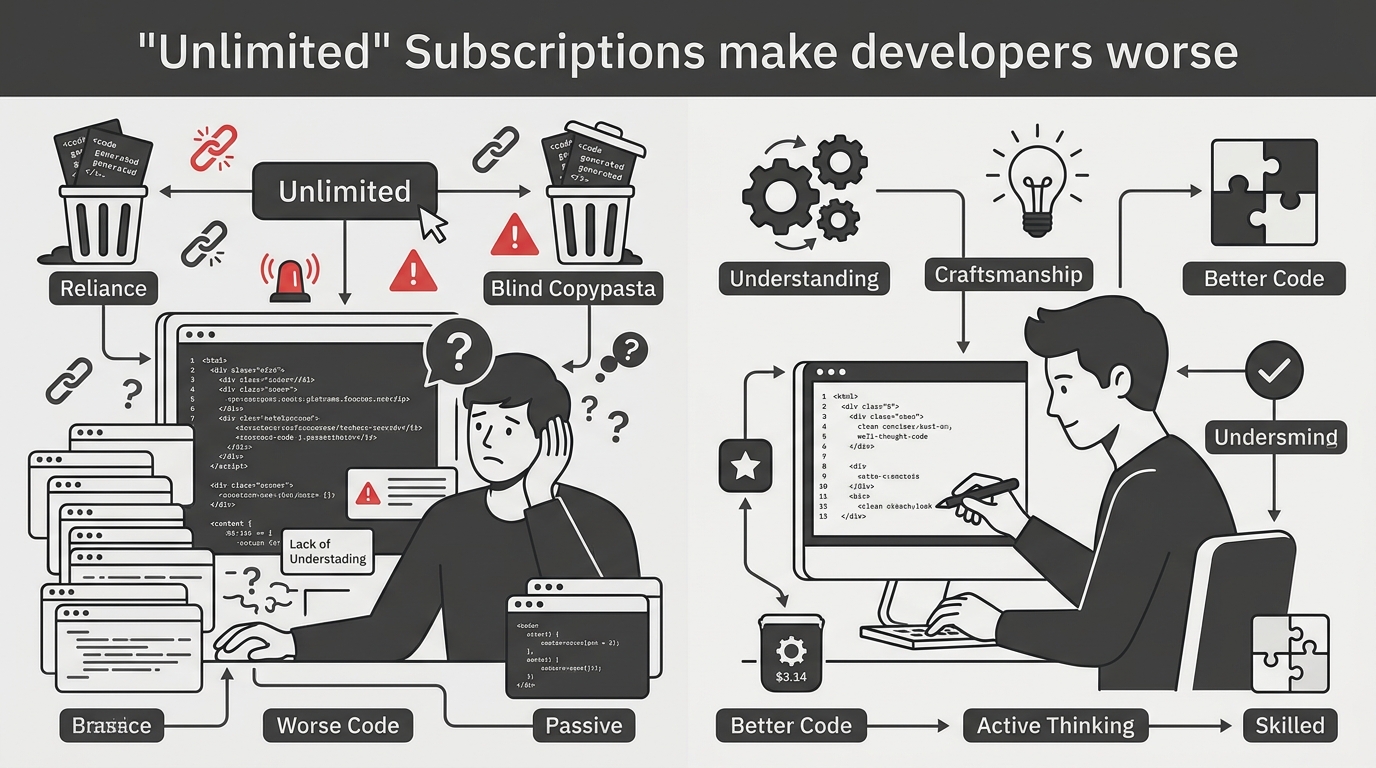
Think about it. When you have "unlimited" messages (subject to hidden rate limits, of course), you stop caring about your prompt architecture. You paste a 500-line file with the message "fix this" and hit enter. When the AI hallucinates, you reply "that didn't work, try again." You treat the AI like a magic 8-ball instead of a compiler.
When you switch to a pay-as-you-go model where every prompt costs a fraction of a cent, your psychology shifts. You start writing better, more deterministic prompts. You start isolating your functions before asking for a refactor. You start providing the exact error logs and stack traces because you want the right answer on the first try. Saving AI subscription fees isn't just about the money; it is about forcing yourself to practice disciplined prompt engineering.
"Flat-rate AI subscriptions are the fast food of coding. Pay-per-prompt makes you a chef again. You stop throwing garbage context at the model when you know you're paying for every token."
The Math: Standalone vs. Pay-As-You-Go (May 2026 Data)
I am a data nerd, so I tracked every single AI interaction I had during May 2026. I was building a rather complex Next.js 15 dashboard with a Go backend. Here is exactly what the traditional "two-tab" subscription model would have cost me versus what I actually paid using a credit-based aggregation platform.
| AI Model / Setup | Monthly Cost (Retail) | My Actual Spend (Pay-As-You-Go) | Primary Use Case in My Workflow |
|---|---|---|---|
| ChatGPT Plus (GPT-4o) | $20.00 | $0.82 | Regex generation, initial project scaffolding |
| Claude Pro (3.5 Sonnet) | $20.00 | $1.45 | Complex logic refactoring, Go backend architecture |
| DeepSeek Coder V3 | N/A (API Only) | $0.64 | Legacy React debugging, strict syntax checking |
| Grok 1.5 | $16.00 (X Premium) | $0.23 | Scraping latest API documentation via real-time search |
| Total Monthly Spend | $56.00 | $3.14 | 94% Cost Reduction |
The numbers do not lie. I generated roughly 850,000 output tokens last month. If you look at the raw compute cost of those tokens, it is practically nothing. The subscription model relies on "breakage"—users who pay $20 but only use $2 worth of compute. By stepping off the subscription treadmill, I reclaimed my money without sacrificing an ounce of capability.
The React Hydration Incident (Why I Stopped Trusting GPT-4o)
Let me tell you about last Tuesday. I was knee-deep in a legacy React application that someone had haphazardly upgraded to React 19. I was getting a bizarre hydration mismatch error that only occurred when a specific server component streamed data to a client component wrapped in a Suspense boundary.
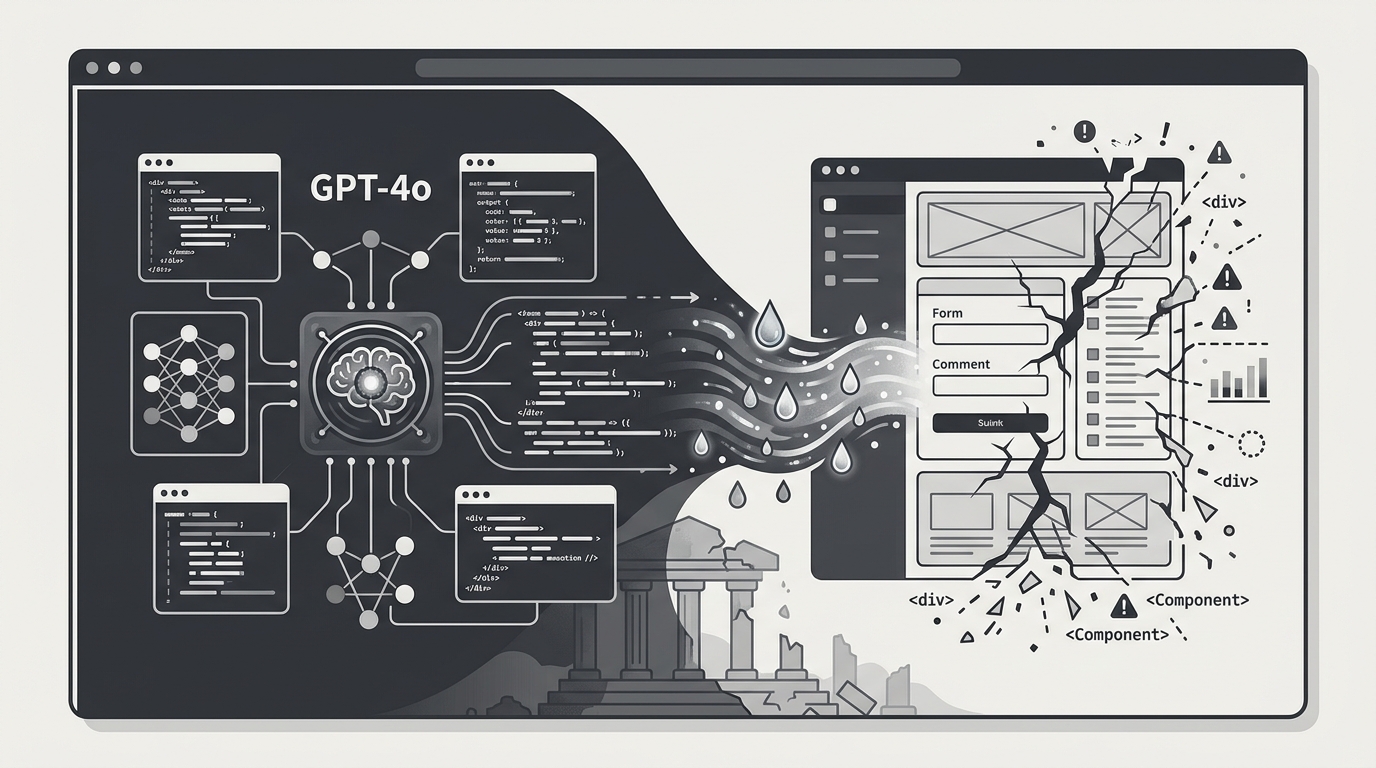
I fed the stack trace to the GPT-4o May update. It spun in circles for 45 minutes. It told me to add `'use client'` to the top of the file (it was already there). It told me to downgrade to React 18. It hallucinated a completely non-existent Next.js configuration flag. I was burning time and losing my mind.
Frustrated, I opened my unified dashboard. I pasted the exact same prompt and routed it simultaneously to Grok and DeepSeek Coder V3. DeepSeek analyzed the code and, in 12 seconds, pointed out that I was passing a Date object directly from a Server Component to a Client Component without serializing it first. It provided the exact three lines of code needed to fix the serialization. GPT-4o missed it entirely because it was too busy apologizing for my frustration.
If I had only been paying for a ChatGPT subscription, I would have lost half a day to a simple serialization bug.
My "Zero-Subscription" Solopreneur AI Stack
As someone running a one-person dev shop, finding the right solopreneur AI setup is critical. You don't have a QA team or a senior dev to review your pull requests. The AI is your team. But you also don't have venture capital to burn on a dozen SaaS subscriptions.
Here is my exact workflow for June 2026:
- The Aggregation Layer: I use a single web-based dashboard where I buy $10 to $20 of credits at a time. This dashboard gives me dropdown access to every major model via their APIs, but with a clean UI so I don't have to build my own chat interface.
- The Task History Audit: Because I am paying per token, I need to know what works. My platform saves my prompt history across all models. If a prompt works brilliantly in Claude but fails in Gemini, I tag it. This cross-model history is my most valuable asset.
- The Context Injector: Instead of pasting code manually, I use a local markdown generator that strips out my `node_modules` and compiles my entire `src` directory into a single text file. I only upload this file when making massive architectural queries.
This approach gives me the ultimate flexibility. When a new model drops—like Nano Banana 2 or whatever the open-source community releases next week—I don't have to sign up for a new service. It just appears in my dashboard, ready to consume my prepaid credits.
The 12-Second Blind Test Workflow
One of the most powerful techniques I've developed using an AI aggregation platform is what I call the "12-Second Blind Test." When I am facing a complex architectural decision, I do not rely on a single model's bias.
I write my prompt outlining the problem. Then, using the multi-model integration feature of my dashboard, I submit it to Claude 3.5 Sonnet, Gemini 1.5 Pro, and DeepSeek simultaneously. The platform renders all three responses side-by-side.
This blind cross-examination takes about 12 seconds to generate. It instantly highlights the consensus (if all three suggest a similar pattern, it's likely the industry standard) and the outliers (if one model suggests a wildly different approach, it's either a hallucination or a stroke of genius worth investigating).
Free AI Tool Recommendations for the Bootstrapped Coder
Before we wrap up, I want to emphasize that not every query needs to cost money, even fractions of a cent. If you are serious about optimizing your workflow, you should be offloading trivial tasks to local, free tools. Here are my top free AI tool recommendations for 2026:
- Ollama + Llama 3 (8B): If you have an M-series Mac or a decent Nvidia GPU, there is zero excuse not to run local models. I use a local Llama 3 instance exclusively for writing git commit messages and generating JSDoc comments. It costs nothing and runs entirely offline.
- Cursor (Free Tier): While Cursor has paid tiers, their free tier paired with your own API keys (or local models) is still the best IDE experience. I use it purely as an editor, routing the heavy lifting to my aggregation dashboard when I need deep reasoning.
- Aider (CLI): This is an open-source command-line chat tool that pairs perfectly with your terminal. When I need to do simple regex replacements across multiple files, I let Aider handle it locally.
By combining these free local tools for the "grunt work" and utilizing a pay-as-you-go aggregation platform for the "deep thinking," you achieve the holy grail of development: maximum intelligence at minimum cost.
FAQ: Transitioning to an AI Aggregation Platform
Q: Doesn't buying credits constantly interrupt your workflow?
Not at all. Most platforms allow you to set an auto-recharge threshold. For example, when my balance hits $2.00, it automatically buys another $10.00. It feels like a subscription, but I only pay when I actually code.
Q: Are there privacy concerns with aggregation platforms compared to standalone subscriptions?
Always read the privacy policy, but generally, API-driven interactions (which aggregation platforms use) have stricter data retention policies than consumer web interfaces. OpenAI, for instance, does not use API data to train their models by default, whereas they do use your ChatGPT web conversations unless you opt out.
Q: Is this setup too complicated for a junior developer?
I would argue it is better for a junior developer. It forces you to understand how token limits work, how context windows operate, and why different models excel at different things. It demystifies the AI.
Discussion: What's Your Monthly AI Spend?
I have shown you my $3.14 receipt, but I know there are developers out there still paying upwards of $100 a month for various AI coding plugins, chat interfaces, and specialized tools.
I want to hear from you. Have you audited your AI subscriptions recently? How many of those tools could be replaced by a single, unified dashboard using a pay-per-prompt model? Are you still relying exclusively on GPT-4o, or have you started integrating models like DeepSeek into your daily workflow?
Drop your current tech stack and monthly spend in the comments below. Let's see who has the most optimized setup in 2026.
Comments
Post a Comment