Table of Contents
- The Day My 45-Hour Video Flopped (And Why Fragmented AI Was to Blame)
- The Contrarian Truth: Never Start a Video Script with ChatGPT
- My 2026 "Reverse-Engineered" Creator Dashboard
- The Financial Reality: Escaping the Subscription Trap
- Step-by-Step: The Context-Preserving Multimedia Pipeline
- Frequently Asked Questions
- Let's Discuss
The Day My 45-Hour Video Flopped (And Why Fragmented AI Was to Blame)
On April 14th, 2026, I almost deleted my YouTube channel. I had just spent 45 grueling hours producing a 15-minute video essay about the history of algorithmic trading. I thought I had used the ultimate AI stack: I wrote the outline in ChatGPT, fleshed out the script in Claude, generated background tracks in SUNO, and built visual assets using Nano Banana 2.
The result? A disjointed, soulless mess that tanked my retention rate to 12% within the first minute.
The problem wasn't the AI models themselves. The problem was the context tax. Every time I switched browser tabs from my text generator to my audio generator, the AI lost the emotional thread of the video. The upbeat SUNO track completely clashed with the somber tone Claude had written for the second act. I was acting as a human API, manually copying and pasting context between six different subscription services, and I was failing miserably.
I realized that managing multiple AI subscriptions wasn't just draining my wallet; it was actively destroying my content quality. I needed a system where my text, audio, and video models could "see" what the others were doing.
The Contrarian Truth: Never Start a Video Script with ChatGPT
If you look up 크리에이터 AI 툴 추천 (Creator AI tool recommendations) on any major tech blog right now, they all give you the exact same advice: "Start by asking ChatGPT for 10 video ideas."
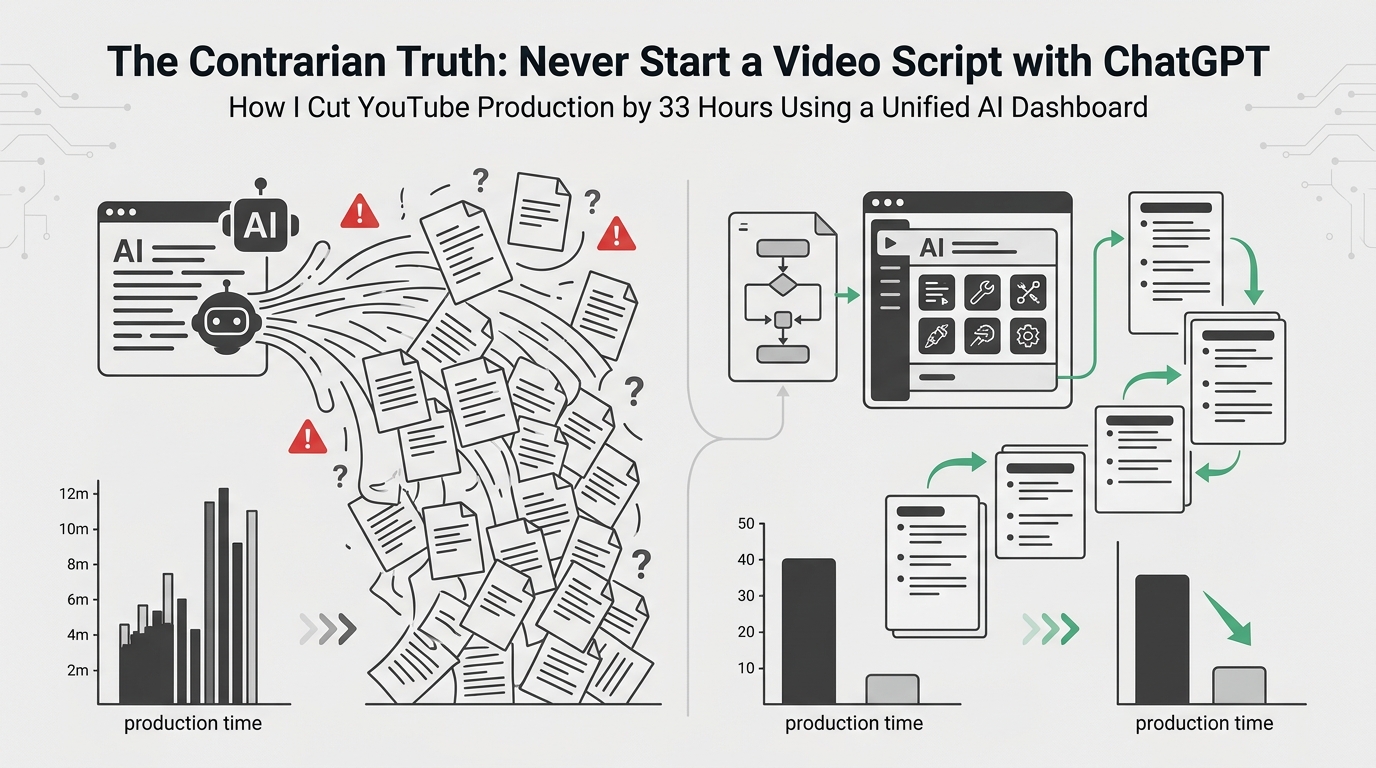
I completely disagree. In fact, I'll go a step further: Starting your YouTube workflow with a text model in 2026 is a guaranteed way to make generic, skippable content.
Why? Because video is a visceral, audiovisual medium. When you start with text, you are forcing visual and auditory AI models to conform to a rigid, often boring structure.
"Don't write a script and try to find music that fits. Generate a sonic hook that gives you goosebumps, and let the script write itself around that emotion."
Last month, I flipped my entire workflow upside down. Instead of writing a script, I opened my unified dashboard and fired up SUNO v4 first. I prompted it for a "tense, ticking-clock cinematic synth track that drops into complete silence at the 45-second mark."
Once I had that audio file, the video practically directed itself. I knew exactly where the hook needed to end. I knew exactly where the visual transition needed to happen. Only then did I bring in the text models to write the dialogue.
My 2026 "Reverse-Engineered" Creator Dashboard
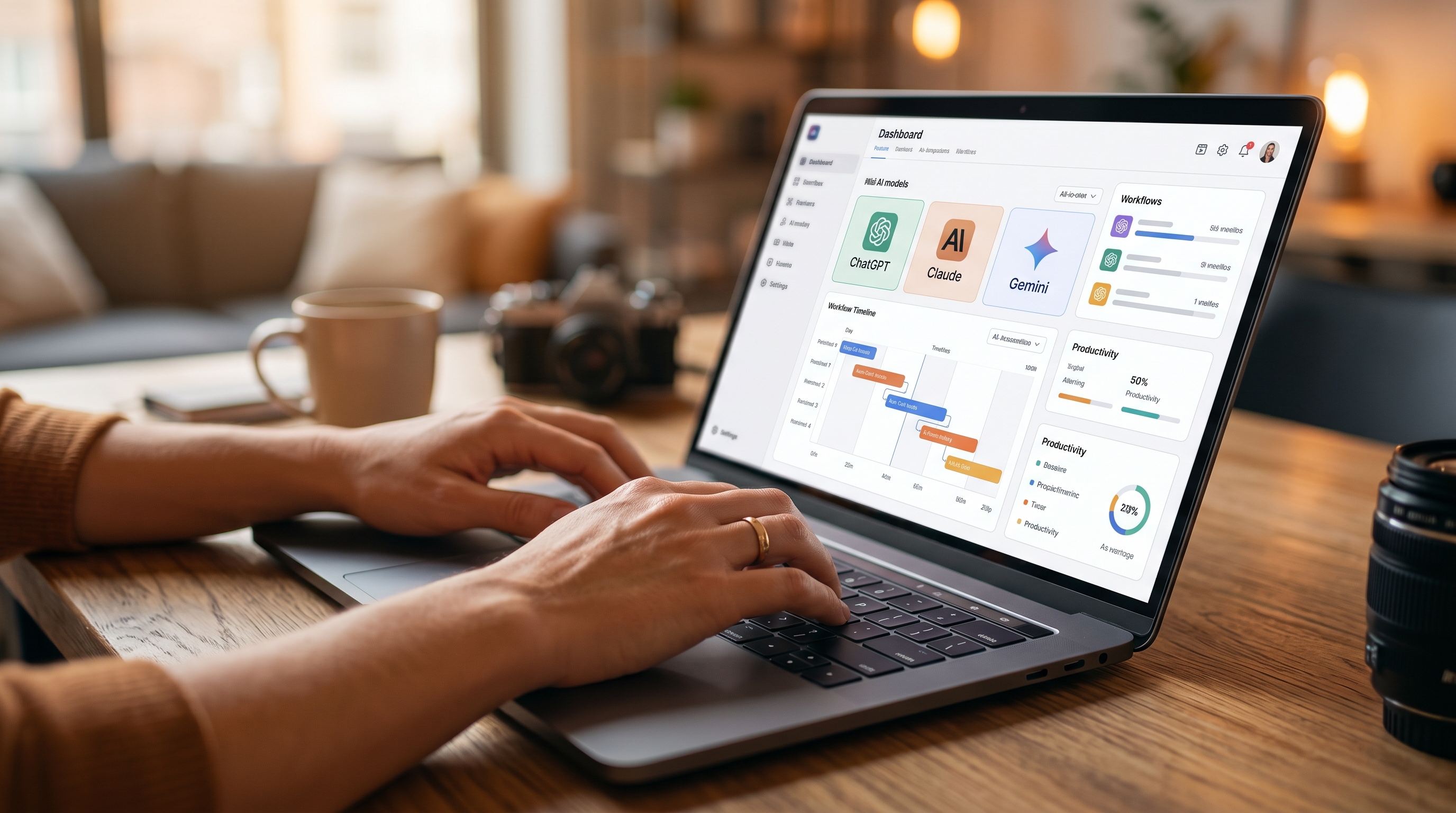
To make this reverse workflow actually function without losing my mind, I had to stop paying for individual AI tiers. I migrated my entire operation to a credit-based dashboard that allowed 챗GPT 클로드 동시 사용 (simultaneous use of ChatGPT and Claude) alongside multimedia models.
Here is exactly what my workspace looked like on a Sunday in late May when I tested this new system. My goal was to produce a highly technical 10-minute video from scratch.
- The Vibe Check (SUNO & Nano Banana 2): I generated the core aesthetic first. I created three 30-second audio loops and four keyframe images. All of this stayed in the dashboard's unified "Project Memory."
- The Red-Team Scripting (Claude 3.5 & DeepSeek): Because the dashboard shares context, I didn't have to explain the vibe to Claude. I simply said, "Write a 1200-word script that matches the pacing of Audio Track A, and references the visual metaphors in Image B."
- The Cross-Examination: I then routed Claude's script directly into DeepSeek to check for technical hallucinations.
The Financial Reality: Escaping the Subscription Trap
Beyond the workflow improvements, we need to talk about the sheer cost of being a creator in 2026. The "SaaS fatigue" is real. Before I switched to a unified system, I was bleeding cash on tools I only used for a few hours a month.
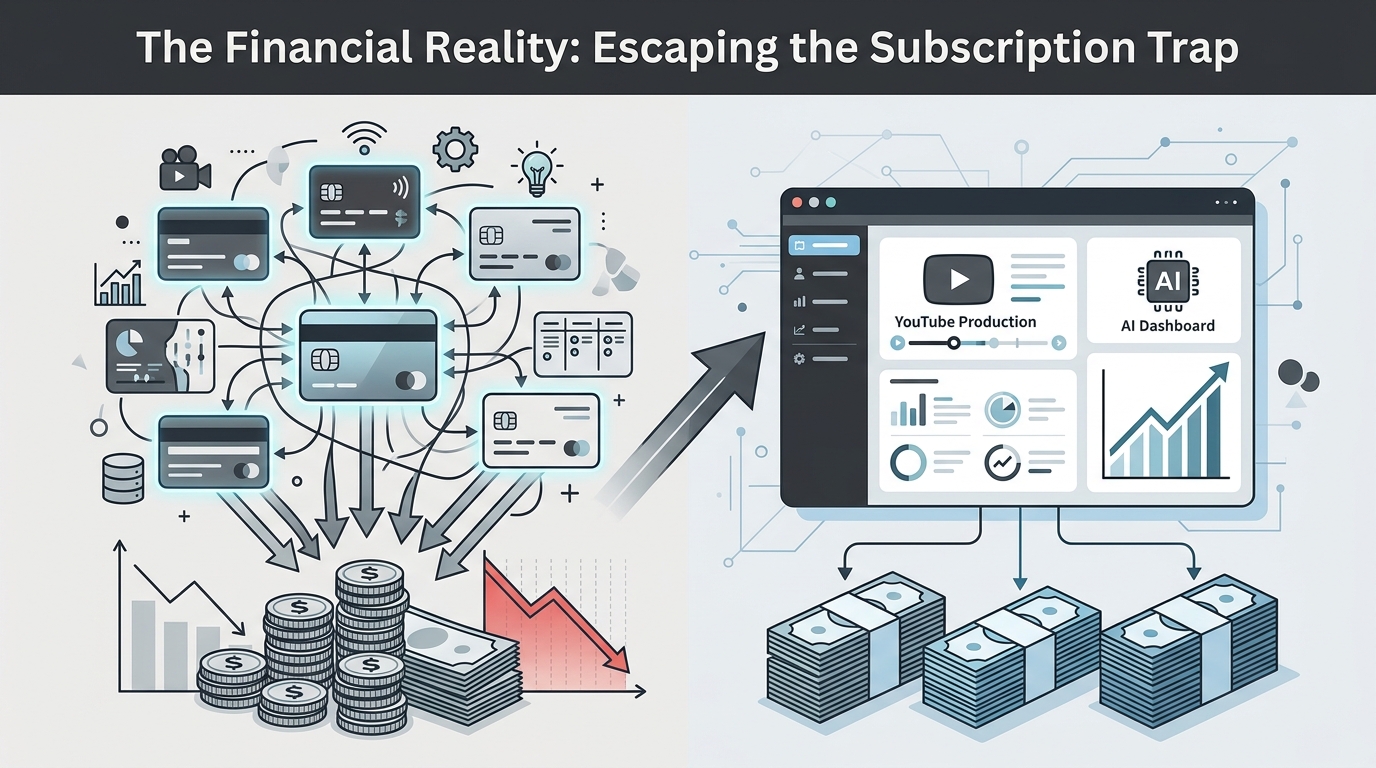
I sat down and mapped out my monthly expenses. If you are serious about AI 구독료 절약 (AI subscription fee savings), you need to look at the hard data. Here is my actual cost comparison from Q1 vs Q2 of 2026:
| AI Model / Service | Old Method (Individual Subs) | New Method (Unified Credit Dashboard) | My Actual Monthly Usage |
|---|---|---|---|
| ChatGPT Plus | $20.00 | Included in credits | High (Brainstorming) |
| Claude Pro | $20.00 | Included in credits | High (Scripting) |
| SUNO (Audio) | $24.00 | Included in credits | Medium (20 tracks/mo) |
| Midjourney / Nano Banana 2 | $30.00 | Included in credits | Medium (50 images/mo) |
| DeepSeek / Grok (Fact-checking) | $20.00 | Included in credits | Low (Only for technical review) |
| Total Monthly Cost | $114.00 | ~$25.00 (Pay-as-you-go) | Saved $89/month |
The math is undeniable. When you pay for individual subscriptions, you are subsidizing the power users. As a creator, you don't need unlimited access to Claude 24/7; you need intense bursts of compute power for three days, followed by a week of editing where you don't touch AI at all.
Moving to a pay-as-you-go, unified platform is the ultimate form of 프리랜서 업무 자동화 AI (Freelancer task automation AI) because it aligns your software costs directly with your production schedule.
Step-by-Step: The Context-Preserving Multimedia Pipeline
If you want to replicate this 12-hour production cycle, here is the exact routing strategy I use. The key is never letting the context drop.
Phase 1: The Anchor Generation
Do not open a text prompt. Open your dashboard's audio or image generator. Generate the climax of your video first. If it's a tech tutorial, generate the complex architecture diagram using an AI image model. If it's a storytelling video, generate the background score for the emotional peak. This asset becomes your "Anchor."
Phase 2: The Context Injection
Now, open Claude 3.5 Sonnet (I find it much better at creative pacing than GPT-4o). Feed it the Anchor. If your platform supports it, attach the image or the audio metadata directly into the chat.
Phase 3: The Cross-Model Red Teaming
Once Claude writes the script, do not trust it blindly. In the same dashboard, open a split-screen with Gemini 1.5 Pro. Paste Claude's script and ask Gemini to act as a cynical YouTube viewer. Ask it: "Where would you click off this video? Highlight the exact sentences that feel like filler."
Because you are doing this in a unified space, you aren't losing the original "Anchor" context. You are simply bringing a new "expert" into the room to critique the work.
Frequently Asked Questions
Does using multiple models in one dashboard dilute the quality of the output?
No, it actually enhances it. By using an API-backed unified dashboard, you are accessing the exact same foundational models (like GPT-4o or Claude 3.5) as the native apps. The difference is that a unified workspace allows you to pass the output of one model directly into the input of another without losing the system prompt context.
Why do you prefer Claude 3.5 over ChatGPT for scripting?
In my experience testing both extensively throughout early 2026, ChatGPT tends to default to a very recognizable "YouTube voice" (e.g., "Hey guys, in today's video we're going to dive into..."). Claude 3.5 requires less prompting to break out of that robotic cadence and handles conversational transitions much more naturally.
Can I really replace Midjourney with newer models like Nano Banana 2?
For specific creator workflows, absolutely. While Midjourney is phenomenal for high-art concepts, I've found that newer models integrated into unified dashboards are much faster for generating rapid B-roll assets, thumbnails, and specific visual hooks that require strict prompt adherence over artistic flair.
Let's Discuss
I know my "never start with text" rule is going to ruffle some feathers, especially for creators who swear by their ChatGPT outlining templates. But the landscape has shifted drastically in 2026. If we keep treating AI like a glorified typewriter, we're going to get left behind by creators who are treating it like a full audiovisual production studio.
I'm curious about your workflows:
- Have you experienced the "context tax" when jumping between different AI subscriptions?
- What is your current monthly spend on AI tools, and have you audited it recently?
- Which model do you currently trust the most for fact-checking your scripts?
Drop your thoughts in the comments below. I'll be hanging around to answer questions about specific prompt routing all week.
Comments
Post a Comment